
Category: Blog
Category: Blog
Topics:
Topics:
How Do Health Systems Keep Claims Data Reliable When File Layouts Change?
A claims file can load without a single error and still be wrong. When a payer changes its file layout, the columns may line up while a field now holds something different. Health systems keep claims data reliable through these changes by checking each new file against what they expect from that source before it loads, looking at what the data means as well as how it’s structured.
It’s a common challenge. In HDI’s 2025 market research, 89% of respondents cited changing file layouts as a top integration challenge.
Why do claims file layouts change?
Behind each claims file is a payer’s claims system, and those systems evolve. A payer may add fields to support a new program, retire fields it no longer uses, adopt a new code set or standards version, or switch the vendor that produces its extracts. Plan-year updates can bring changes too.
Common healthcare data standards give payers a starting point, though each one can apply them differently.
These changes don’t follow a shared schedule. A health system working with eight payers can receive 40 or more source files a month, and any one of those layouts can change between cycles. Some changes come with advance notice, while others show up when the files are delivered.
How can a layout change go undetected?
Most validation is built to catch files that break. A missing column or a format error stops the load, and someone investigates. A layout change is harder to spot, because the file often looks fine.
John Supra, Founder and Managing Member of Better Health Matters, described the pattern in an interview for HDI’s white paper. The checks confirmed “there were rows in this file, and there were rows in the database,” he said. “There’s no validation around, ‘Does this data even make sense for this population?’”
A rejected file gets attention. A file that loads with a changed field gets none, and the issue can travel into the data model and downstream systems unnoticed.
What happens when a changed layout loads into the data model?
The data model has no way of knowing a layout changed. It reads each file the way it expects the data to be organized, so values can land with the wrong meaning or fail to connect with the rest of the data.
Member or provider identifiers in a new format may not link to eligibility, so claims attach to no one or members appear to be new. A new code set may not match the data model’s mappings, and records drop out of measures. Paid amounts that move to a different field can push cost totals up or down.
From the data model, the data flows on to reports, dashboards, care management workflows, AI tools, and extracts for EHR systems. Each one now carries the issue.
Why is it a problem when issues aren’t caught before the data loads?
Because nothing fails, the issue often surfaces only when someone questions a number, sometimes months later. By then, the data may already be guiding decisions. Care gap lists may include patients who already received care elsewhere, and cost and utilization trends may reflect a file change rather than a change in care. Value-based care results may not tie to the payer’s settlement reports, which makes it harder to reach a well-informed understanding at settlement.
The larger cost may be trust. Chris Ragsdale, Founder and Principal of Towers Advisory, described the tipping point in HDI’s white paper: “If there are even isolated instances of it not being accurate, then people are going to stop looking at it.”
When clinicians and analysts stop relying on the data, health systems may see less use of their analytics tools, a lower return on that investment, and weaker program performance.
Layout changes are one of several limitations of claims data that health systems can plan for, and file handoffs between systems can add to what makes claims data unreliable or incomplete.
How do teams fix a layout issue after the data has loaded?
Fixing a layout issue after the load is a separate effort, and often a larger one than catching it beforehand. Your team first traces the issue to its source: the payer, the files, the fields, and the periods affected, along with each system that received the data.
If the payer made a valid change, your team must update its expected layout and mappings. If the file itself is wrong, your team documents what needs correcting and requests corrected files from the payer.
Next, the affected data comes back out. Your team removes or reverses the affected records in each downstream system, so the corrected data doesn’t duplicate what’s already there. Once the data is corrected, your team must reprocess and revalidate the affected data and reload each system in the format it requires.
How do teams catch layout changes before the data loads?
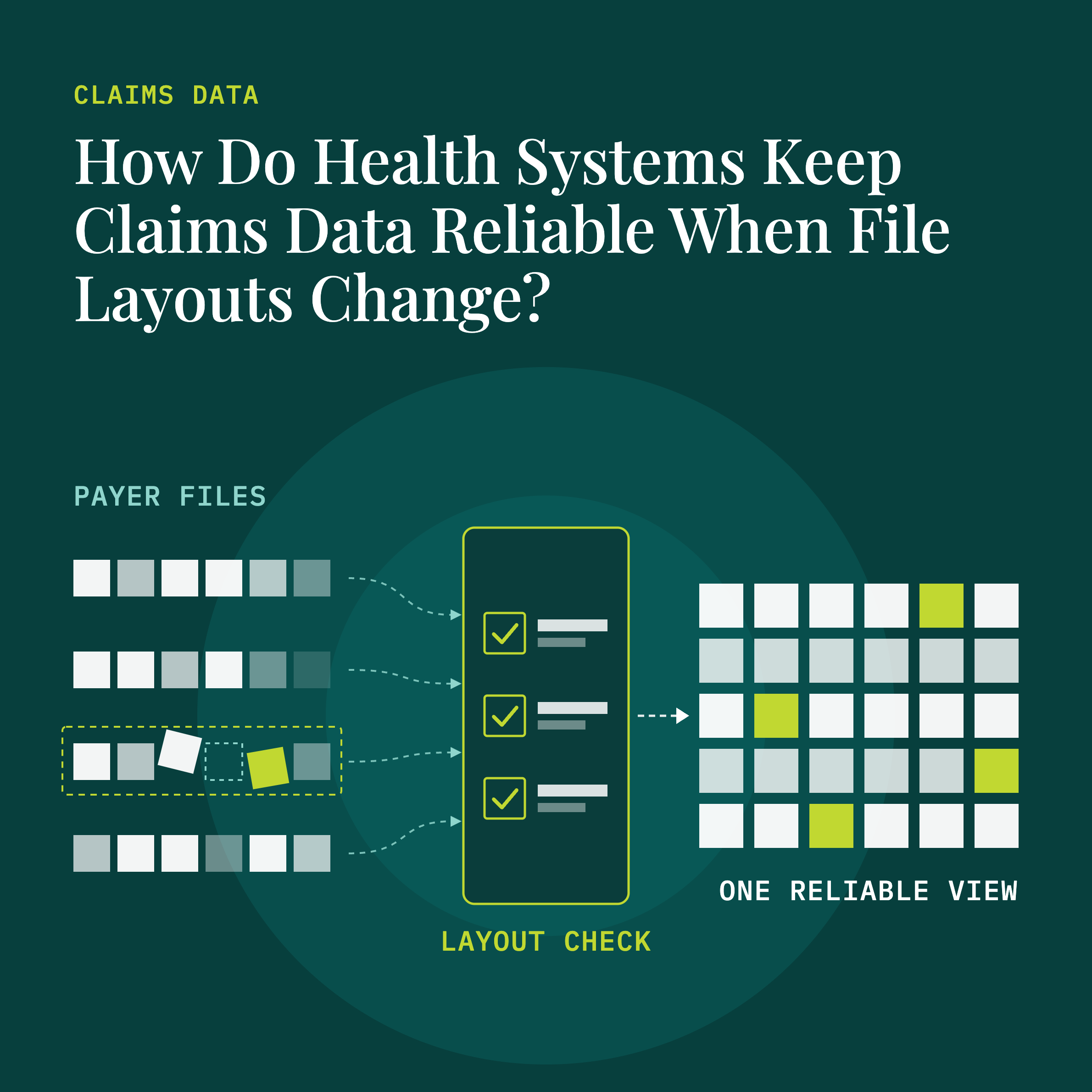
Ideally, teams catch layout changes prior to loading data, by comparing each new file with what they expect from that source. In practice, that work includes:
- Keeping a current layout for each source. Teams document the expected fields, formats, and code sets, and update them when a source announces a change. Sources don’t always announce changes, so teams also must verify the layout as part of the transformation process, confirming it’s correct or uncovering that it has changed.
- Checking each file’s structure. Fields, positions, and formats should match the expected layout, and any differences get flagged.
- Checking what the data means. Value patterns, code frequencies, and counts by field are compared with prior files. A field whose values shift sharply may signal a changed definition.
- Checking completeness and plausibility. Each expected population, period, and record type should arrive, and counts and paid amounts should make sense compared with history.
- Holding files with open issues. Teams document what needs correcting before the data loads, rather than after it has reached downstream systems.
- Adapting to a permanent change. Payers often keep a new layout going forward rather than resending files in the old one. Teams then confirm what each changed field now means, working with the payer where needed, update their mappings, and validate the file again before it loads.
The result is one validated version of the claims data, prepared in the format each downstream system requires: a single source of truth for EHRs, data warehouses, analytics tools, and workflow tools.
Why does layout management continue after go-live?
Layout management continues after go-live because sources often update their files. Each new source adds layouts of its own, which also may change. As John Supra put it in HDI’s white paper: “Great, you can do it once, but you have to operate it for 10 years.”
How does Health Data Innovations (HDI) keep claims data reliable when file layouts change?
Health Data Innovations (HDI) manages the complex, ongoing work of external healthcare data aggregation and validation. We validate each new file against each source’s layout and history, document issues for correction at the source, and deliver a single source of truth for the departments, teams, and systems that rely on the data, from EHRs to data warehouses and analytics tools. HDI has worked with 627+ data vendors and 2,600+ vendor layouts, and our External Data Management services help health systems keep claims data reliable as layouts change.
Managing claims data from many sources internally takes specialized expertise and ongoing effort. Read the white paper, Managing Payer Data Internally: The Cost Beyond the Build.
Frequently asked questions about claims file layout changes
How can a claims file load without errors and still be wrong? A file can match the expected structure while its content has changed, such as a field whose meaning changed in a layout update or a file missing part of a population. Checks of what the data means, along with completeness and plausibility checks, catch what structural checks miss.
How often do claims file layouts change? It varies by source. Payers and vendors can update layouts with system changes, new fields, code set updates, or plan-year changes, so teams must check each new file rather than assume the layout is the same as last time.
What should teams do if a layout issue is found after the data has loaded? Find the files, fields, periods, and systems affected, update the mappings or request corrected files, back out the affected data, reprocess and reload it, and let the teams who use the data know what changed.
Who corrects a layout issue? It depends on the issue. If a file has an error, your team, or a partner working on your behalf, documents what needs correcting, and your team requests corrected files from the payer. If the payer has changed its layout going forward, the receiving team must update its mappings to the new layout.